
See what it looks like inside
We opened our portal with 10 sample places — from a Prague flat to a hotel in the mountains. Each one has its own Home Assistant you can jump into and start flipping switches.
Here are the keys
Two sets — one for the portal, one for Home Assistant inside.
Portal
- demo@ha-cloud.cz
- Password
- HACloudDemo2026!
You see all 10 devices in the admin view — status, graphs, billing.
Home Assistant inside
- URL
- Any device link in the section below.
- Username
- guest
- Password
- HAGuestDemo2026!
You can flip lights and switches and click around. For safety, HA won't let you change settings.
Jump straight in
Each link drops you straight into the Home Assistant for that place. Use the credentials above.
Home — Prague
Family house in Prague 6 — lights, climate, Node-RED automations, Zigbee2MQTT.
Villa — Plzeň
Villa with a pool, Frigate cameras, monitoring in Grafana, whole-house Zigbee.
Mountain hotel — Pec
B&B in Pec pod Sněžkou — reception, sauna, lobby cameras via Frigate.
Cottage — Šumava
Weekend cottage — heating, alarm, ESPHome sensors for water-leak detection.
Office — Brno
Open-space office with 12 people — meeting rooms, Grafana monitoring, Studio Code Server.
Café — Vinohrady
Storefront — OPEN sign, terrace lights, espresso machine, A/C.
A peek at what's inside
Snapshots taken just now, from the live demo. Portal and running services.
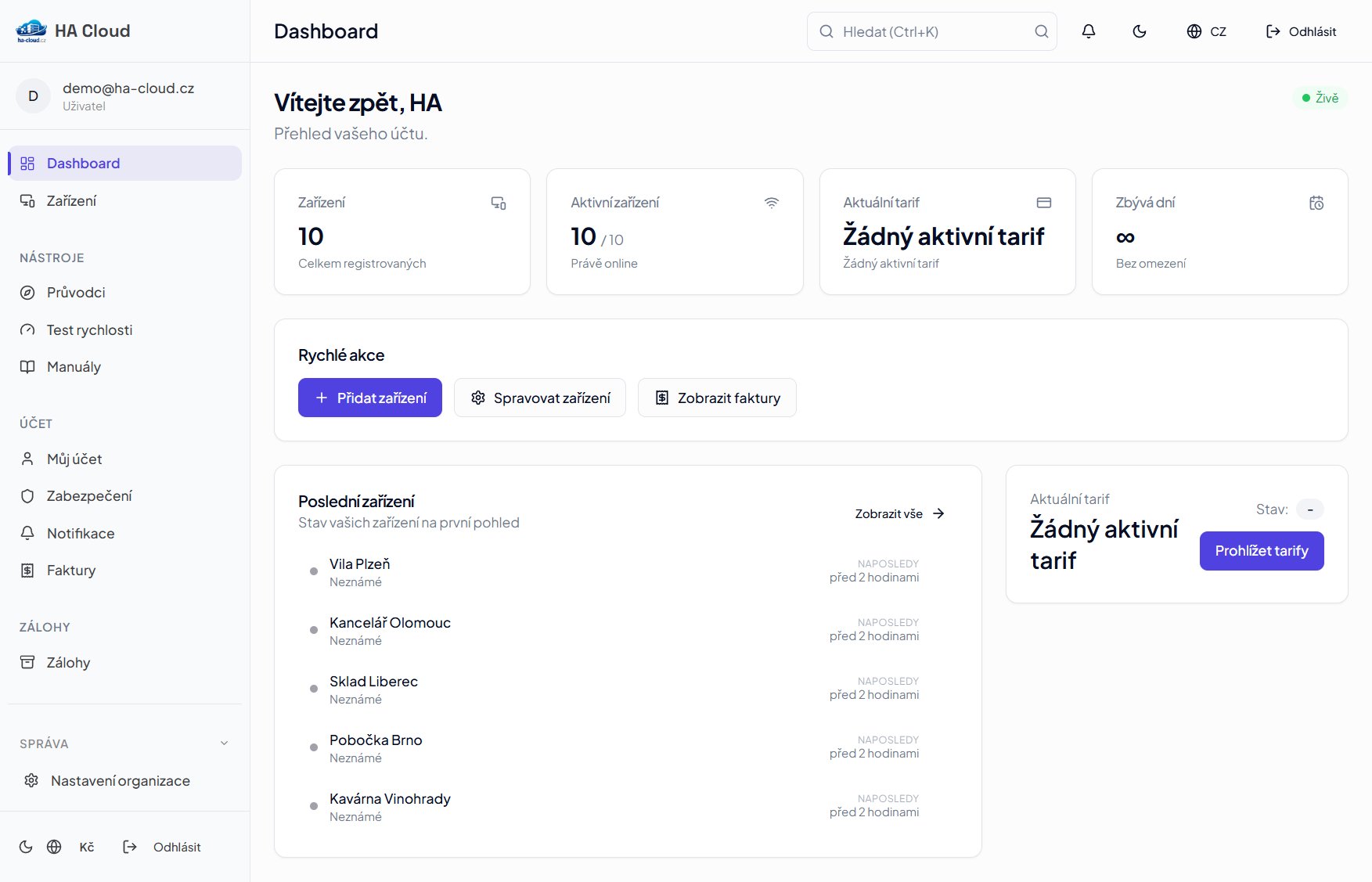
Portal dashboard
Your fleet at a glance. 10 devices, current state, ping and traffic in real time.
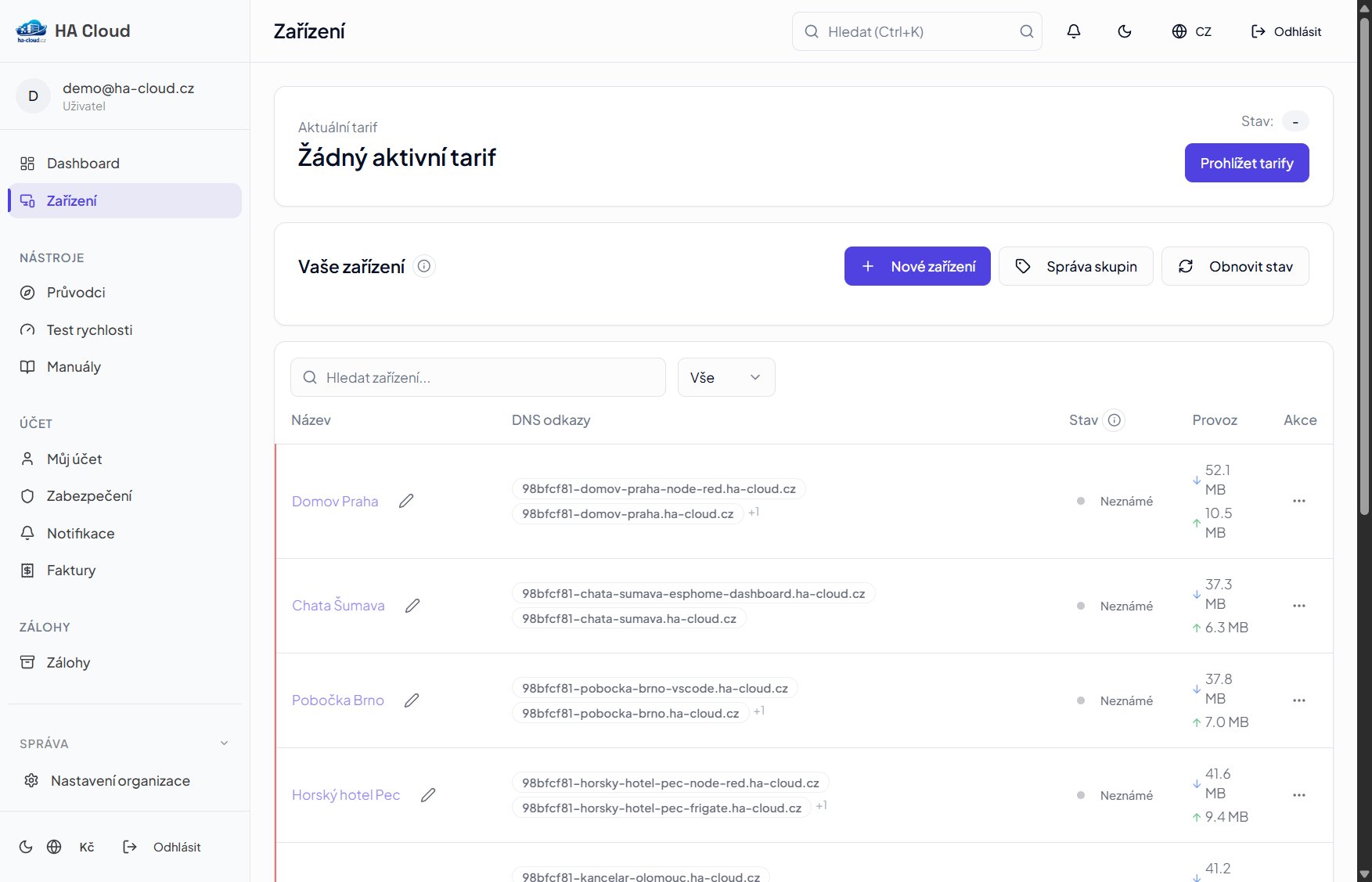
Device list
Each device has its own URL, and so does each service. Traffic, status, actions.
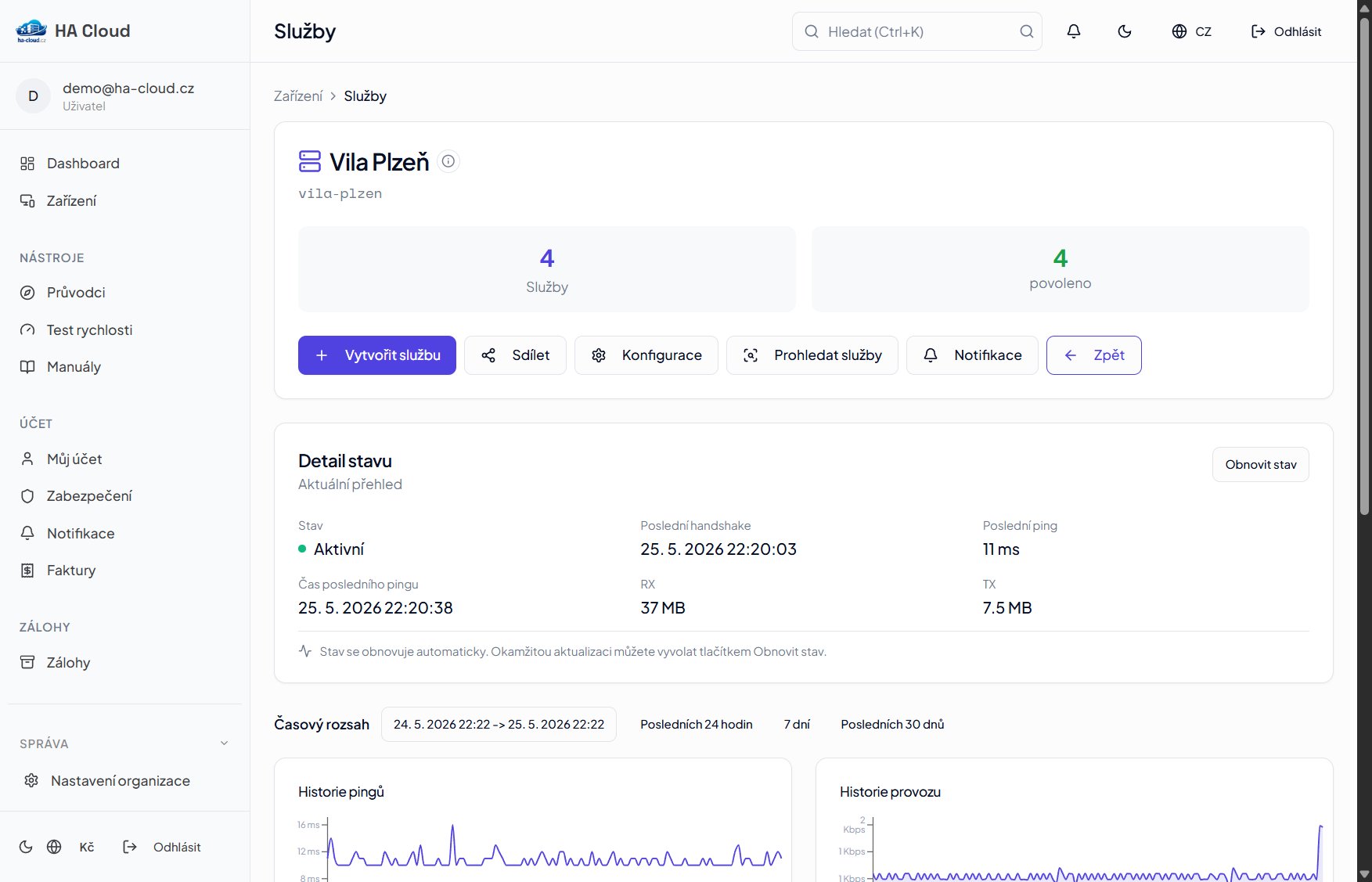
Device detail
Villa Plzeň — HA, Grafana, Frigate and Zigbee2MQTT side by side. Plus ping and traffic charts.
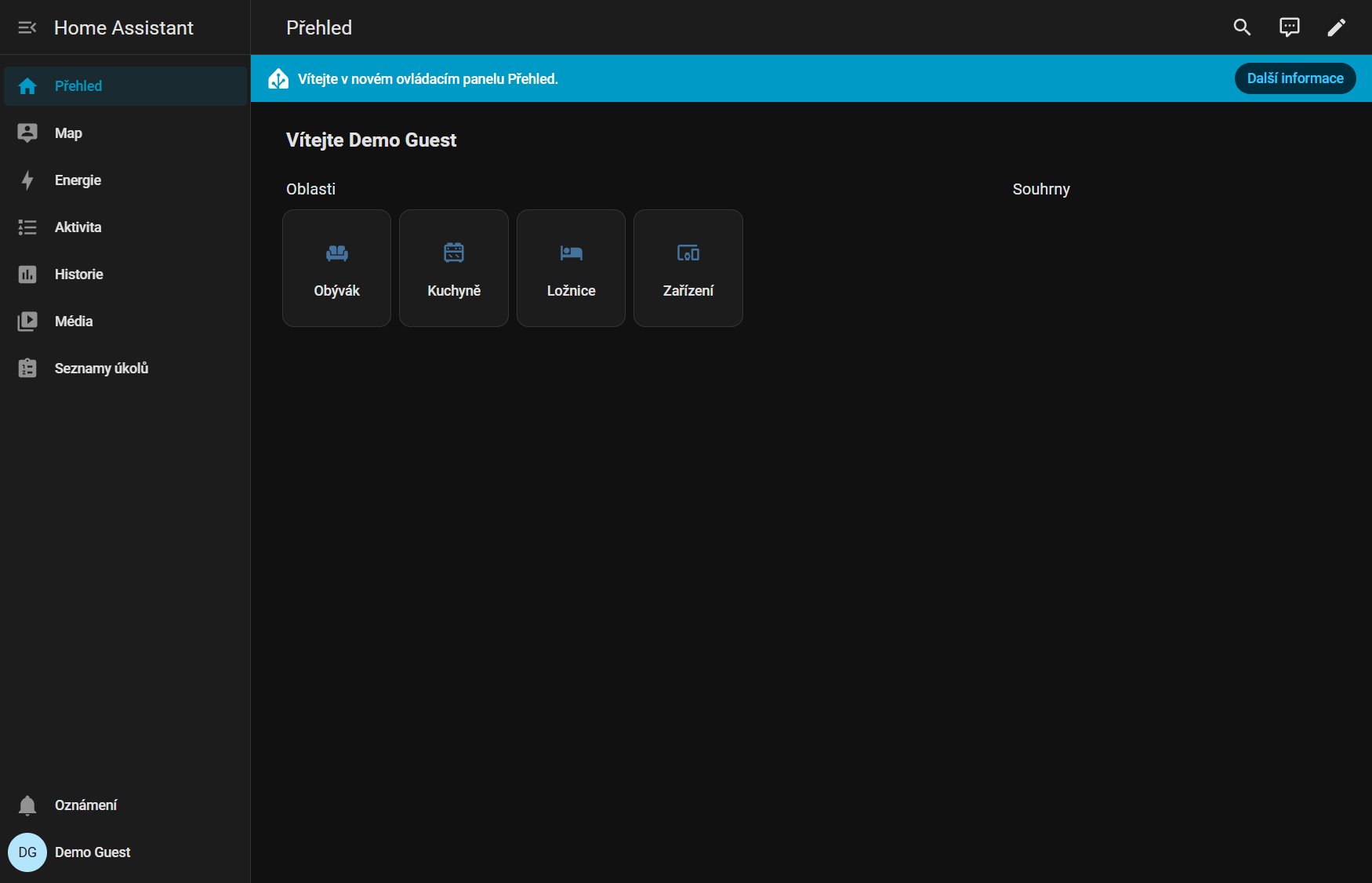
Home Assistant live
One click from the portal into a real HA instance — Home Prague. Areas, sensors, controls.
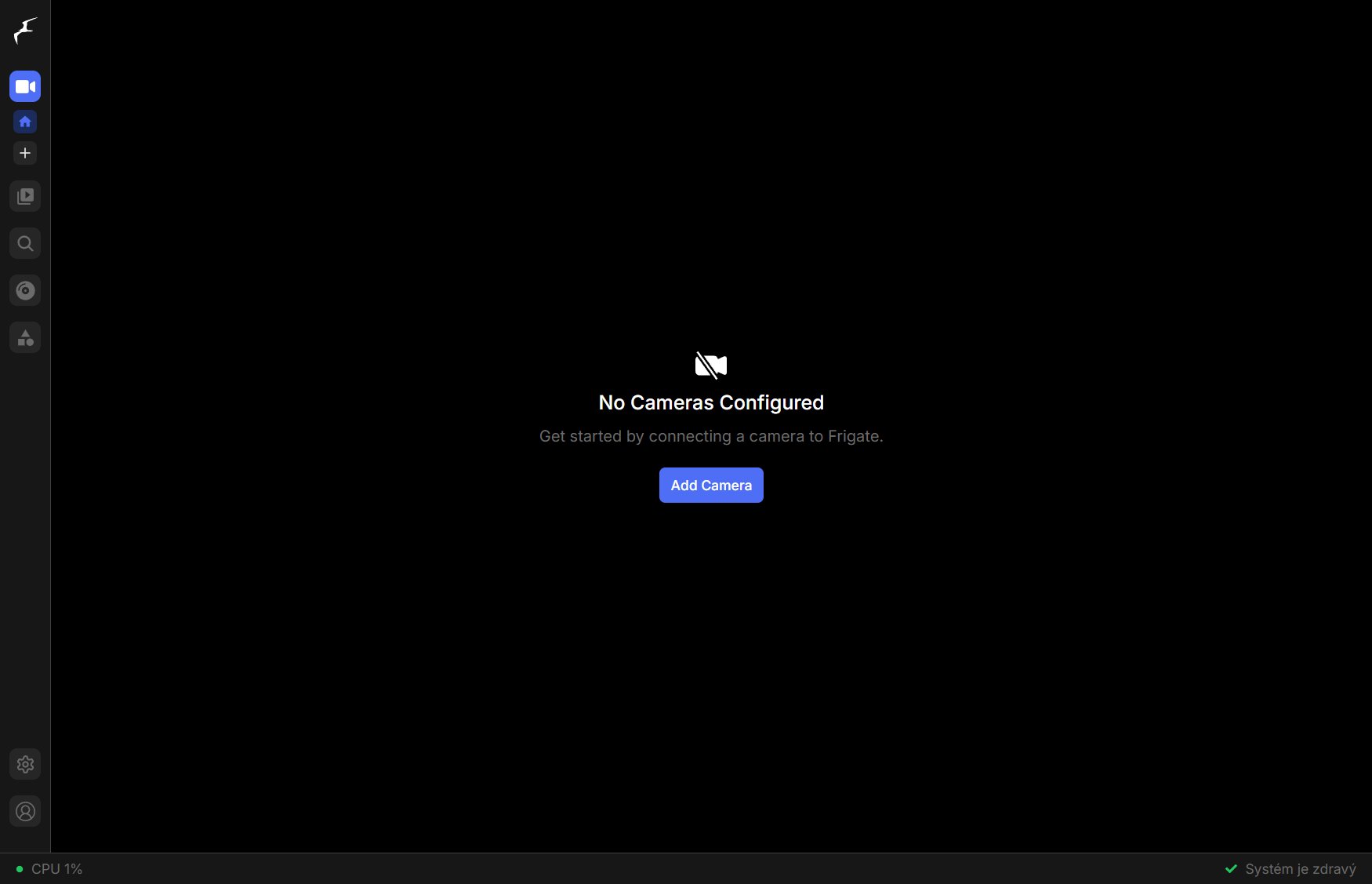
Frigate — cameras
Dedicated URL for the camera NVR. No tunneling through HA — the user clicks and Frigate opens.
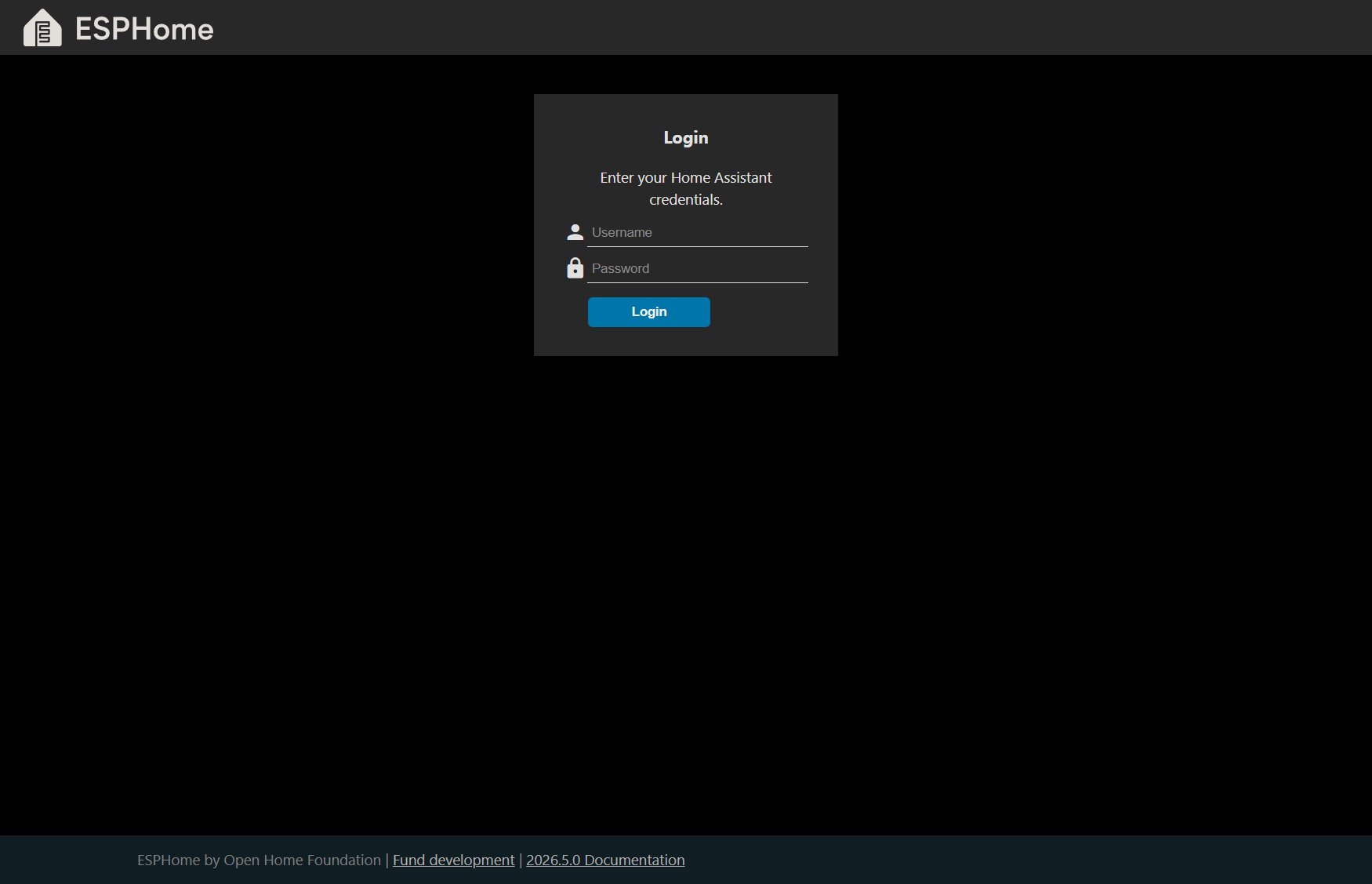
ESPHome — sensor management
ESPHome dashboard for flashing and managing ESP devices at Cottage Šumava. Dedicated URL, no HA passthrough.
What you can try
The demo isn't a few static screens. You can click deep.
See the whole fleet
The portal view a real customer sees every day. Status, outages, traffic charts with live data.
Configure a device
Open Configuration on any device — you'll see the WireGuard QR code, plain-text config and install instructions for the add-on.
Step into real HA
10 different HAOS instances on Proxmox. Each has its own scenario and its own URL. No tunnels, no VPN client.
Open the side services
Frigate, Grafana, Node-RED, ESPHome, Zigbee2MQTT, Studio Code Server — each on its own subdomain.
Public HTTPS URLs
Each device and each service gets a yours.ha-cloud.cz URL. Let's Encrypt certificate handled automatically.
Play with security
IP allowlist, basic auth, geo-firewall — configurable in the portal, no changes to HA itself.
The demo resets every night at 03:00
When you flip a switch, toggle a button or change a mode, everything snaps back the next morning. So the next visitor sees the same demo you did.
What never resets: WireGuard tunnels, ping and traffic graphs in the portal, history in HA. All of that runs continuously with current data — so the charts you see are from today, not an archive.
Up and running in 5 minutes.
Your own account, your own HA, your own domain.
Free trial, no card required — then from €0.79/month.